


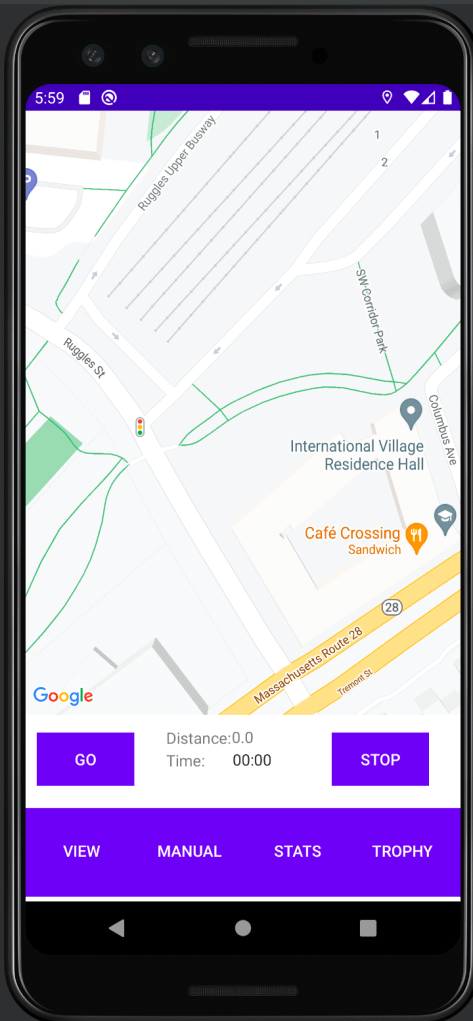
Stride is a running tracker application built with Android Studio that allows users to keep a record of their running routes, including calories burned, distance traveled, and the path taken. The application utilizes Google’s Maps API to depict user map location in conjunction with Android’s location API, in order to draw running routes via polylines.
FEATURES:
1. Track and Display your Route
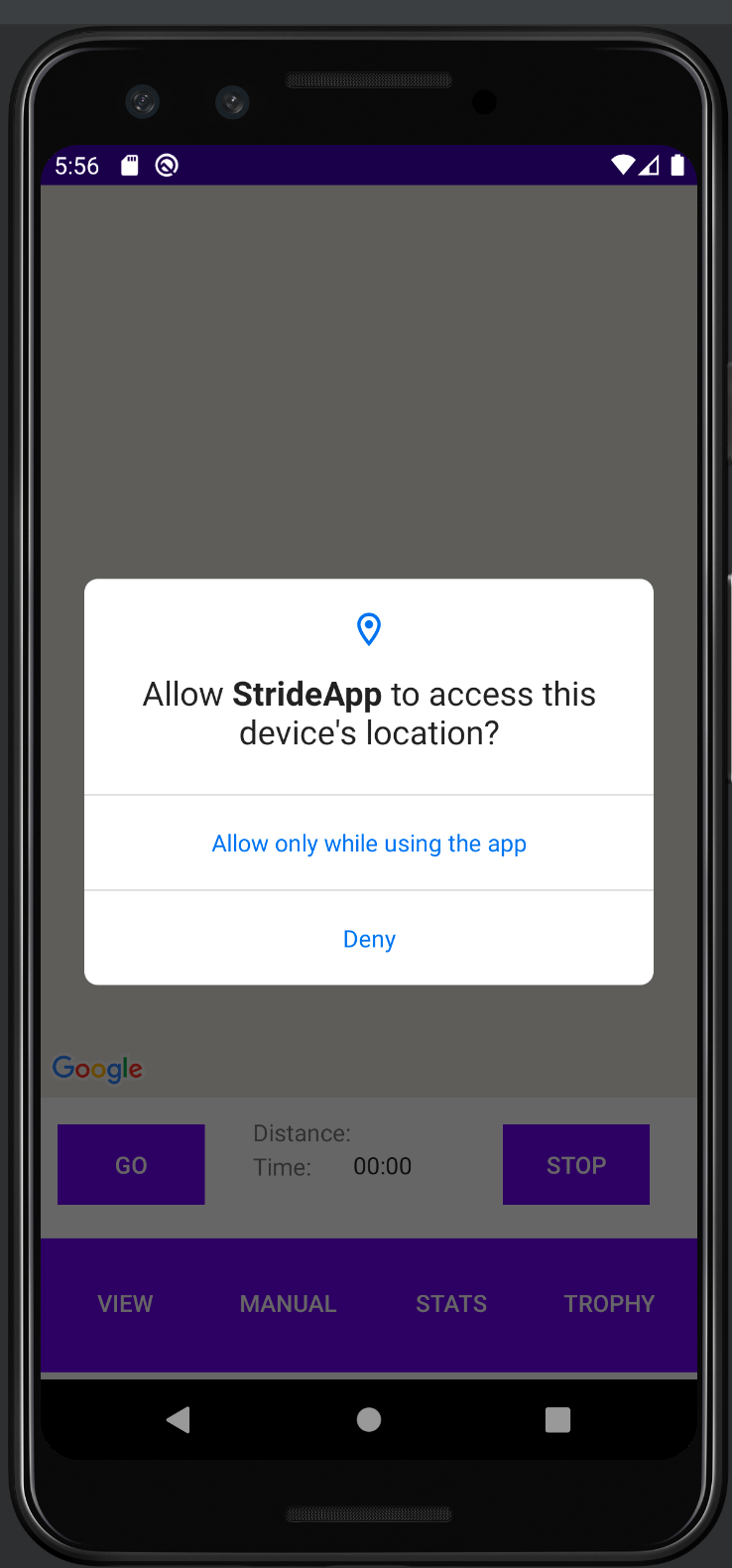
It is important to first ask a user for permission to track the user’s position. fetchLocation function, which uses LocationManager from Android’s API to make location requests via GPS, will only be called if a user agrees.

The LocationManager will request a location update at a specified interval. Each time the location is updated, the latitude and longitude are stored as a LatLng tuple that is eventually added to an array called routePoints. Looping through the routePoints array, we draw a polyline to the most recently added point. Additionally, we take the last two tuples in routepoints so that we can calculate the spherical distance between them.

Next, the distance in meters is converted to miles, set to the textview, so the user can see how many miles they have taveled live (of course this is sent to Firebase when the user presses Stop) and added to the array.
     textView.setText(String.valueOf(mileDistance));
     routePoints.add(latLng);

Note that while a line is drawn each time five meters is traveled, one feature the app lacks is math to add curvature to the line; therefore, the line can zigzag more than expected and will not appear smooth as the user jobs. The app will also drop a pin on your starting and ending location detailing information when the pin is clicked.
2. Display Route Information
A user may hit “Go” to track a route and “Stop” when finished. When finished, information for each run is stored in Firebase for each individual user and displayed via Android’s RecyclerView library. The Recyclerview is a scrolling list which will display data. When the device is turned vertically or horizontally, the data can be saved and redisplayed. Below, the middle entry is for a non-manual run which will automatically provide units, calculates average speed, and rounds; the other two entries are manual entries (used for testing/development) with measurement units to be provided by the user. Because I needed to re-create the firebase cloud database from scratch for this blog post, which was deleted due to inactivity, I have not re-downloaded the app on my phone and gone for a walk yet, so note I covered a distance of 0 miles on my PC emulator:

This was my first time using a NoSQL database; I was formally trained to use MySQL. It was very different to actually need to push data into specific parts of the database in different classes. Here is an example of data being pushed to Firebase as part of the process of clicking “Stop.”:

Note that for this project I used the Firebase installations service (FIS) provides a Firebase installation ID for each user that has installed the application; therefore the application needs to store the data under “Activities” for the correct user: the database has an activity, time, distance, speed, and date entry for each users’ activities. You can take a look at the cloud database storage below. Note that in this sample, “eIsWU…3v” is the FIS of one user:

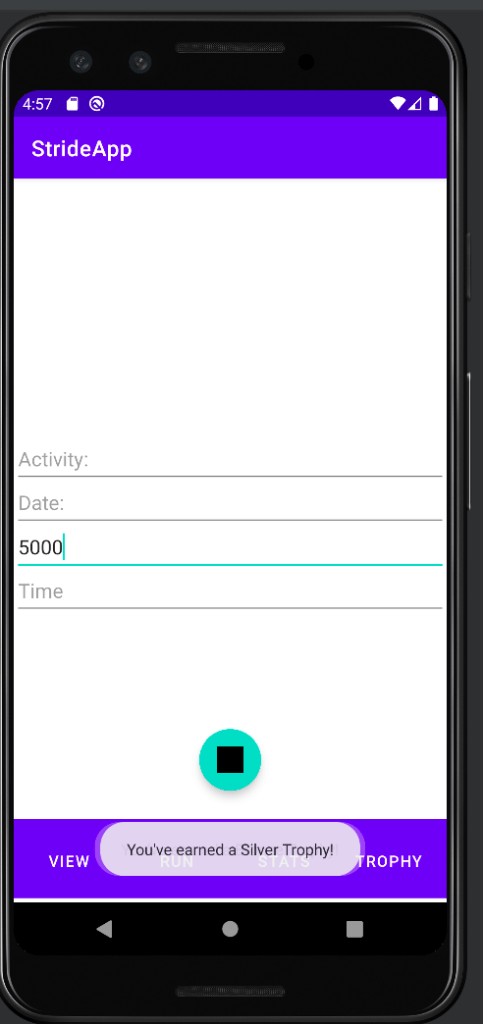
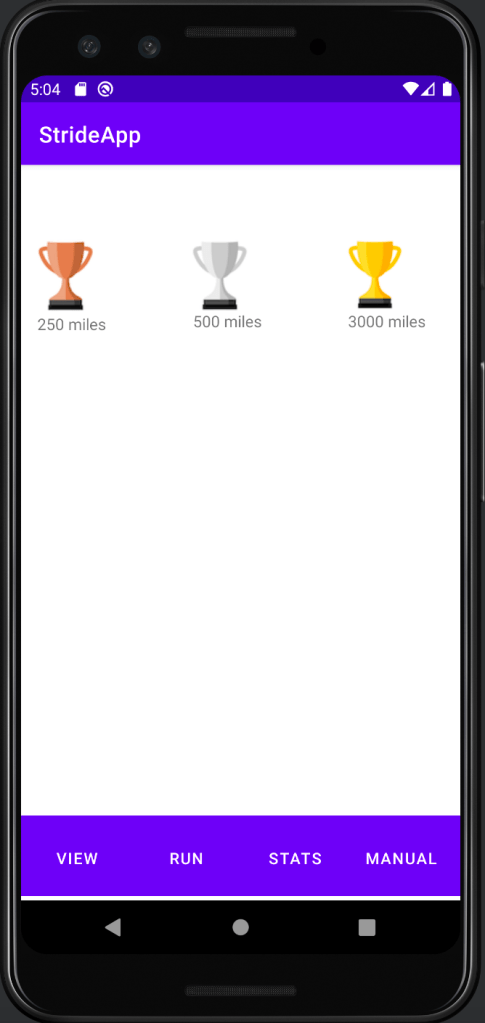
2. Earn TrophiesThe database also stores total miles traveled for each user in order to award trophies for milestones, checking if a trophy has been earned each time miles are added. Once earned, you will receive a popup notification and trophies can be viewed in your trophy cabinet. Note below that I manually entered 5000 miles, causing the bronze, silver, and gold popup to appear one after another and earned all trophies:
3. Manual Entry
Users may choose to manually enter a run. This feature is not fully fleshed out because it was originally used for my own internal testing earning trophies and the recyclerview:

CLOSING REMARKS:
Unfortunately, the Firebase cloud database was no longer in service so I quickly created a new database so I could run the app and take some pictures for this post. I will need to download the .apk and go for a run to update this post with polyline routes and better recyclerview entries. Because there are so many competing applications and this one has a lot of work before it can become polished and consumer ready, it was never deployed. However, it was a great project for learning NoSQL and Googlemaps, and my first foray into Android development. You can view the full code on Github at: https://github.com/zachasyl/Stride.
 gaveltech.net
Leave a comment