


FEATURES:
1. Search for Drinks
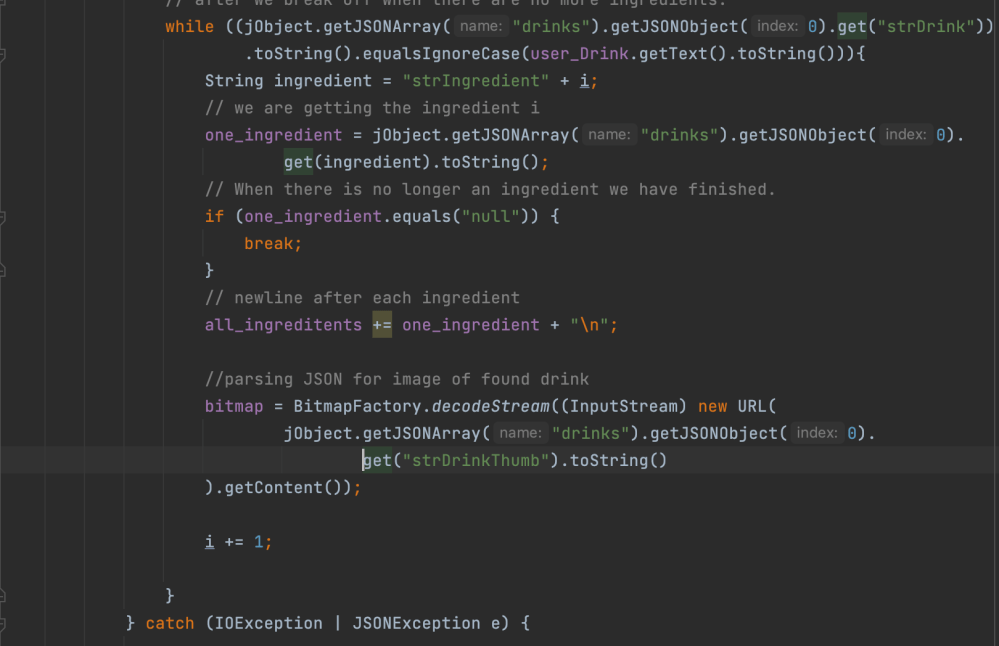
I utilized a public API’s (see https://www.thecocktaildb.com/api.php) JSON endpoints to retrieve drink ingredients and images so that users may view find out how to create a searched cocktail. After retrieving a GET request from the API, I was able to convert the response using stringBuilder. In order to then parse the JSON format, I used the org.json library. This was great practice for using an API. I have built my own API in the past, but the respones were sent to the Thymeleaf front-end; I never exploited JSON endpoints in my own projected. You can see below that the JSON object actually contained a JSONArray of JSONObjects, so there was a good deal of parsing.
2. Load Circle / Drink Not Found

The parsing and calculations depicted in the prior section were complete in a separate thread from the main Android UI thread, which is standard practice to alleviate the load on the UI thread where UI related calculations take place. The progressbar code is located in this separate thread as well: the animation starts before the parsing, and once the parsing is complete, it ends. Below, textHandler.post ensures that the UI thread performs the alteration, as UI widgets can only be modified from the UI thread.
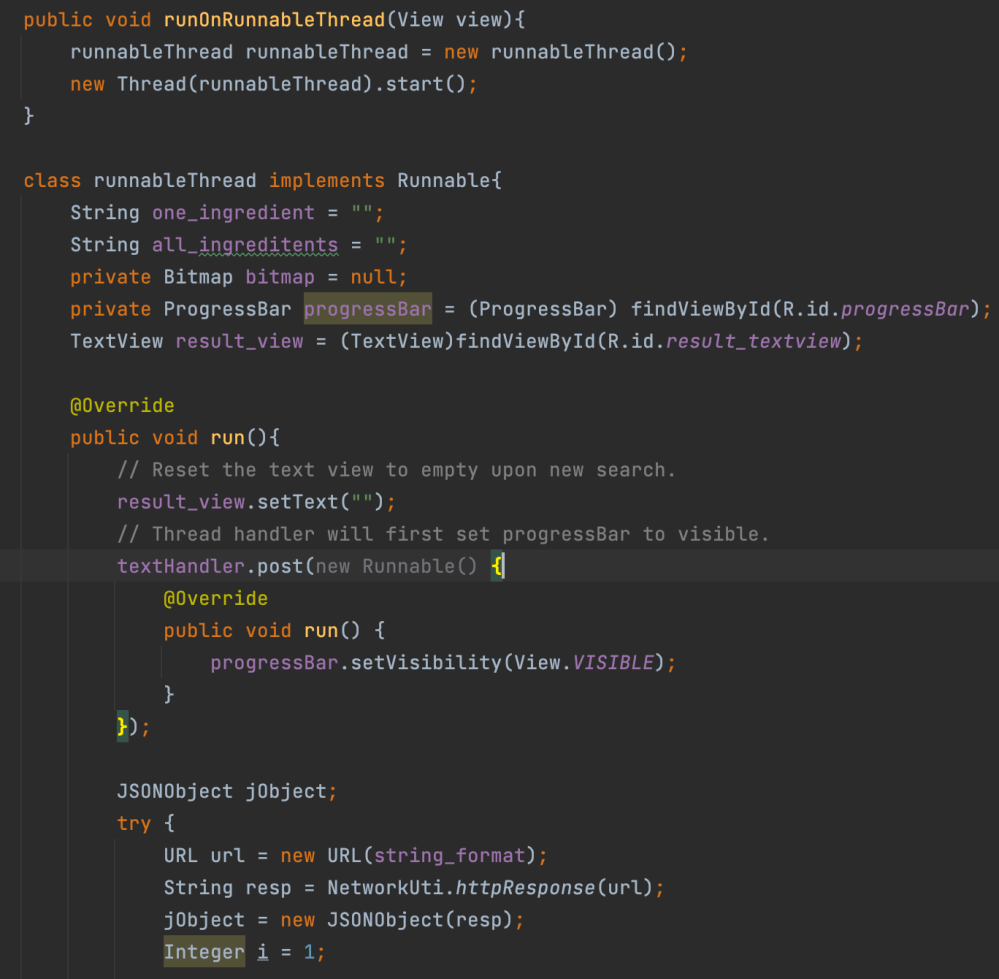
Sequentially, the parsing code we examined first will then execute in the same runnableThread thread:
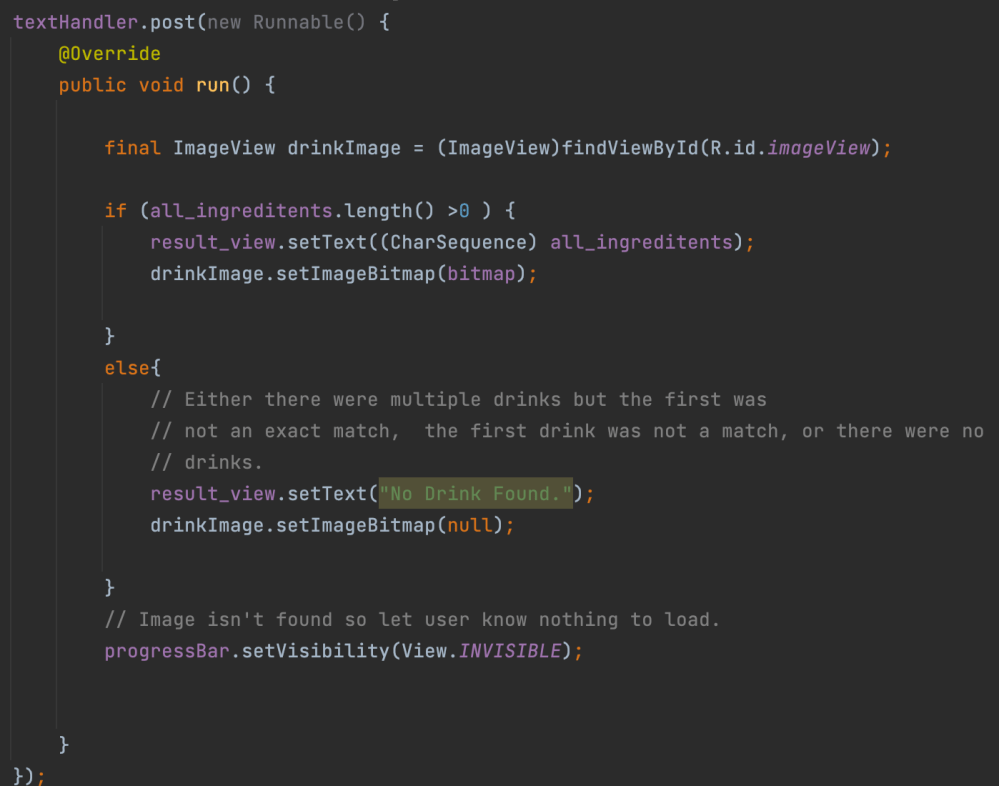
Finally, when the parsing is complete, we must pass the results to the UI thread via textHandler.post, where the image and information will attach to the UI. Then, we set the progress bar animation off.
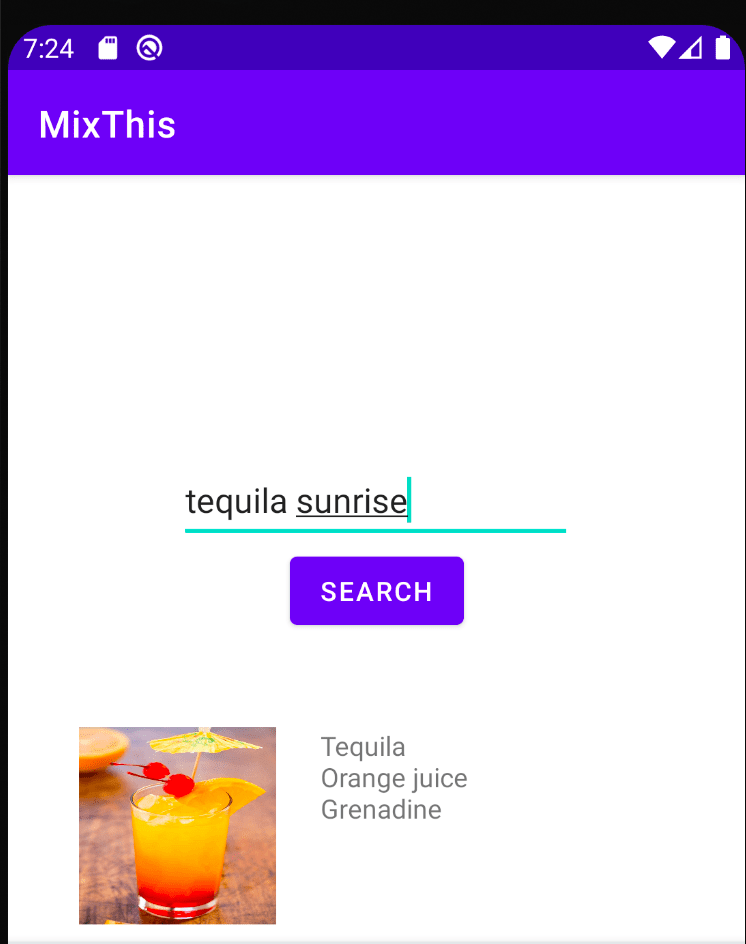
The code can be found at https://github.com/zachasyl/MixThis. It is possible to open the .apk file with an android device or emulator to run the program, so long as cocktaildb remains up.
 gaveltech.net
Leave a comment